
1. Access NGASI Panel from Plesk or cPanel control panel.
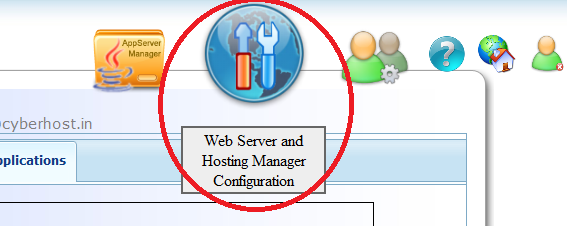
2. Access "Web Server and Hosting Manager Configuration" icon on top right corner list of icons.
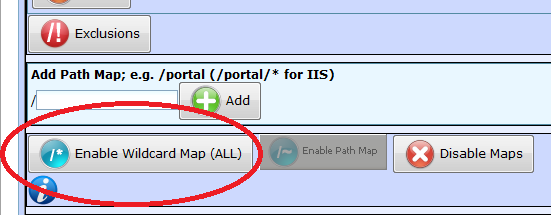
3. Enable wild card mapping using button named "Enbale Wildcard Mapping (All)"
4. Go back to application manager section, click icon "AppServer Manager" on top row of icons.

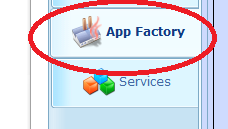
5. Access "Application Factory" section in NGASI AppServer Manager
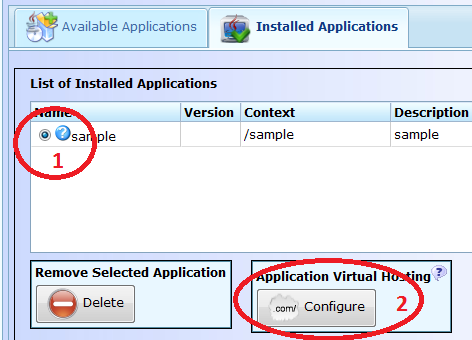
6. Access "Installed Applications" section and select the application you want to get displayed for main domain name like www.domain.com or domain.com , then click "Configure" button in "Application Virtual Hosting".
7. Enter domain name in the format www.domain.com and domain.com as showin in image files below. after putting www.domain.com click "Add" button, then domain.com and then click "Add" button again. After enter two formats, click the "Finish" button. Remember to replace domain.com with your hosting domain name.
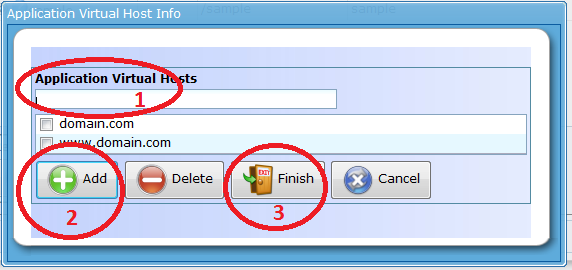
After you click finish button, configurations will be done, application server will be restarted. After restart is completed, you can access the application using main domain name. In case if you face any issues, please raise a Ticket in support section.
