
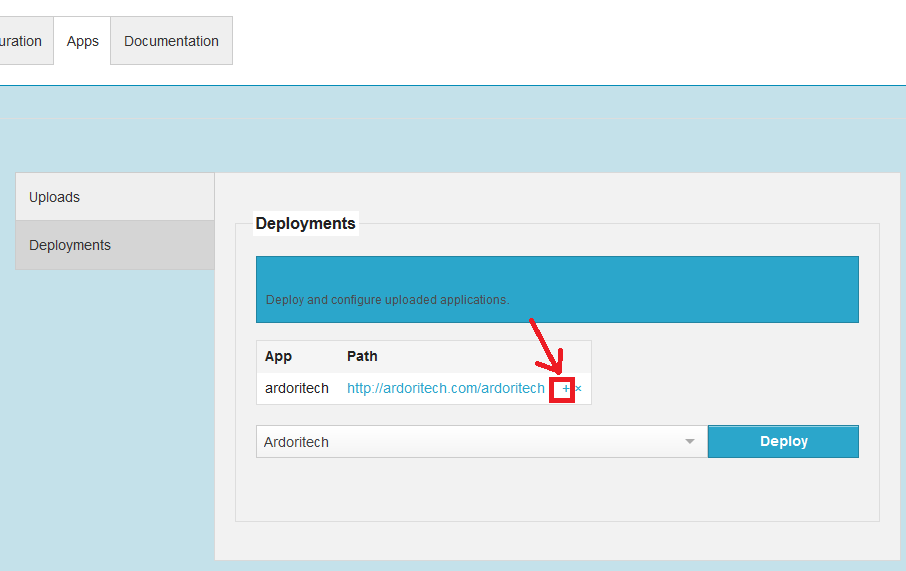
1. Access "Apps" tab of NGASI panel and click the "+" link next to the application which needs to be configured to access using root of domain name.
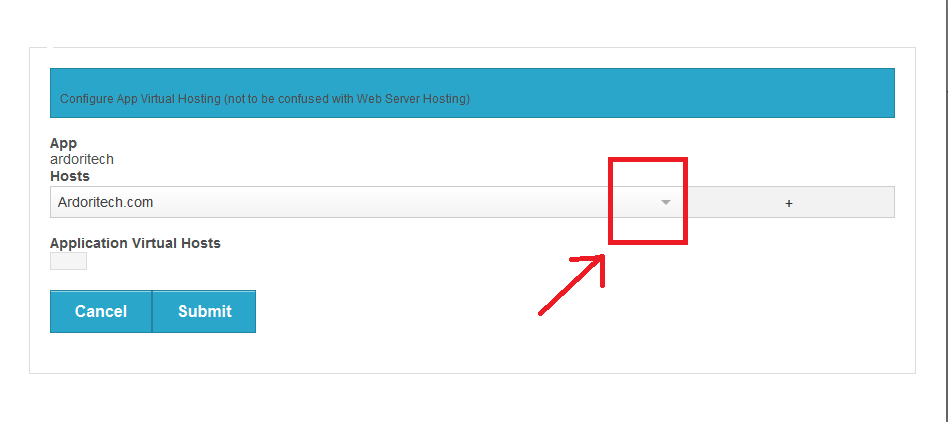
2. In the dialogue box that opens, select the domain name or sub-domain name for which application needs to be loaded from list box.
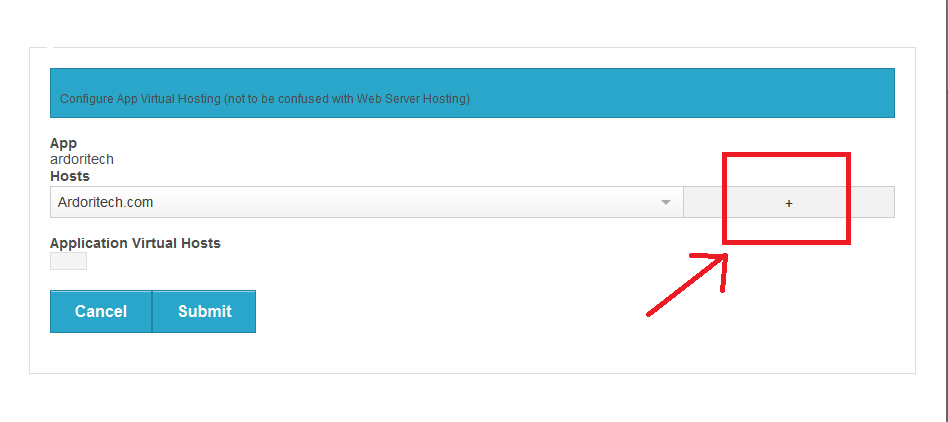
3. Add selected domain name to application
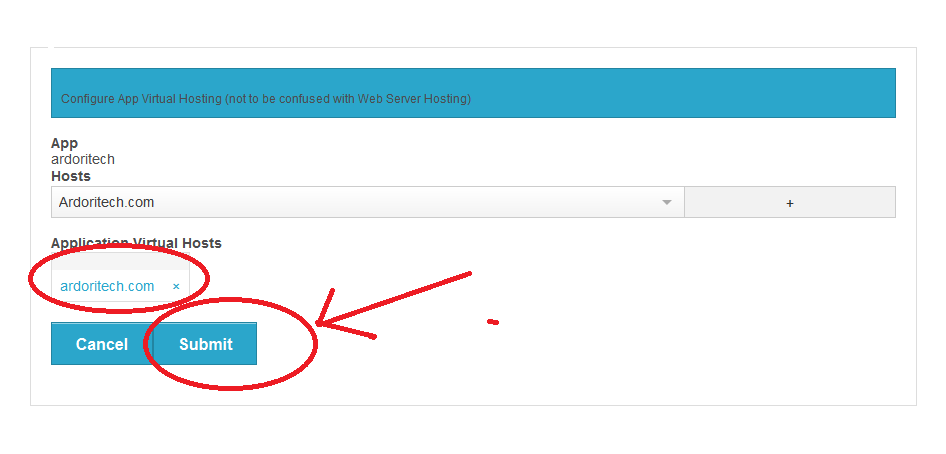
4. Click Submit Button
5. Now go to "Web Server Configuration" tab of NGASI Panel, select domain name from list, then click "Set Wild Card" button
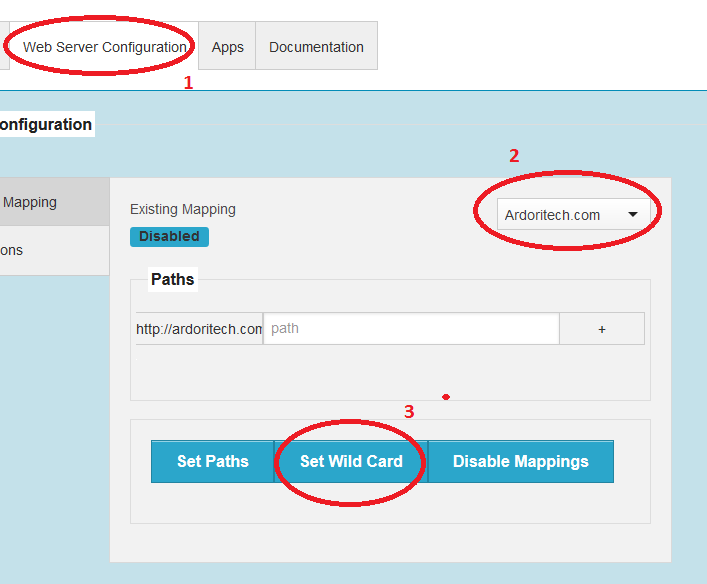
6. By completing above given steps, application will be accessible using root of domain like http://domain.com, but it may not be able to access with www.domain.com . To be able to access with www.domain.com, you need to do domain alias entry in server.xml configuration file of Tomcat. We can do it using File Manager in control panel.
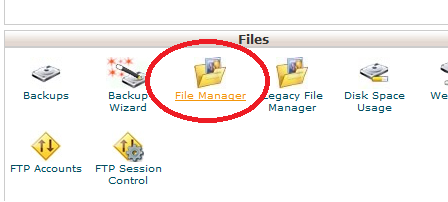
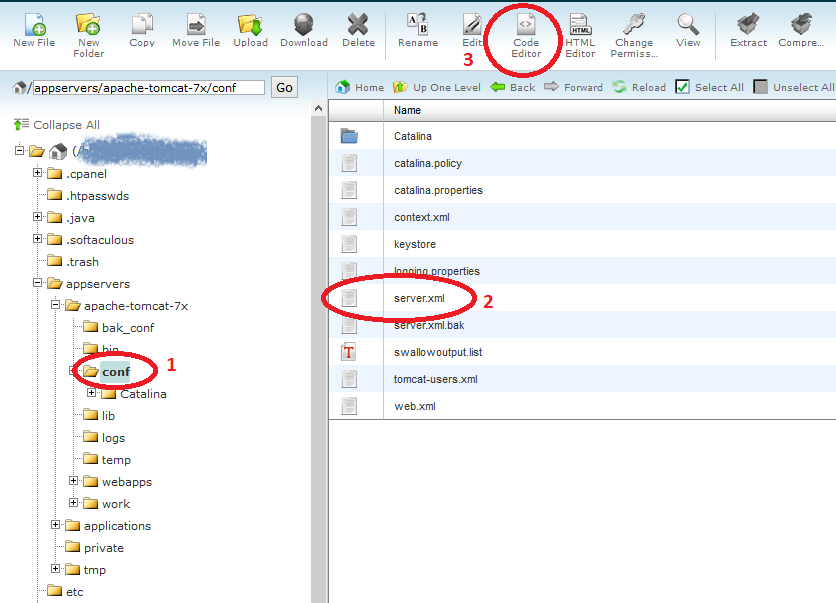
7. Using File Manager, browse to the path of server.xml and edit it using "Code Editor" in File Manager.
8. Configure www record as seen in screenshot.
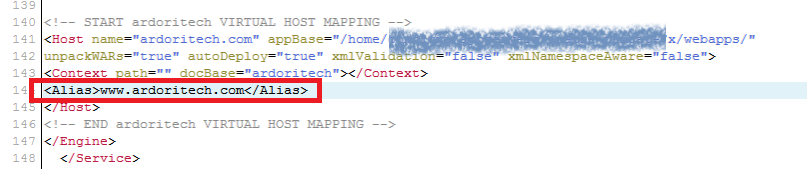
9. Save the changes and close file editor.
10. We need to stop and start Tomcat service to get the changes done in server.xml reflected.
Off state, click highlighted button start applicatin server
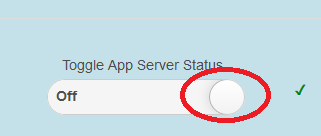
On State, click highlighted button to stop application server

Now you will be able to access the java application using formats domain.com as well as www.domain.com
