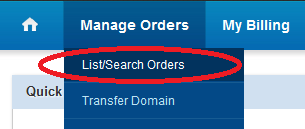
2. Get domain name listed by going to menu "Manage orders > List/Search orders"
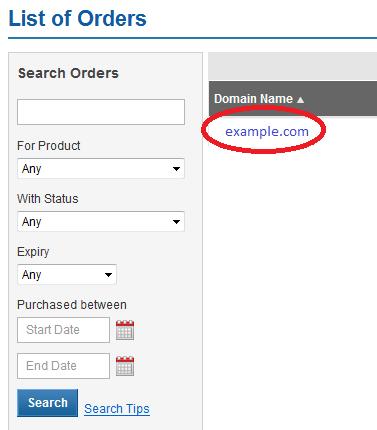
3. Click the domain name from list of domains for which you want to configure DNS settings
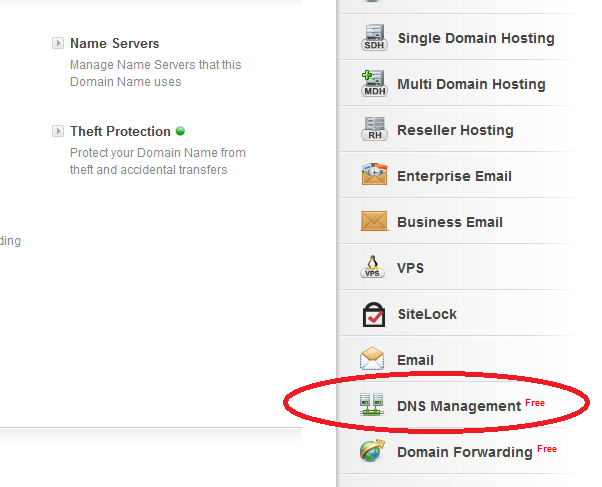
4. Access DNS management link by clicking on "DNS Management" option as shown in below given image.
5. Click "Manage DNS" link to access DNS managent panel.
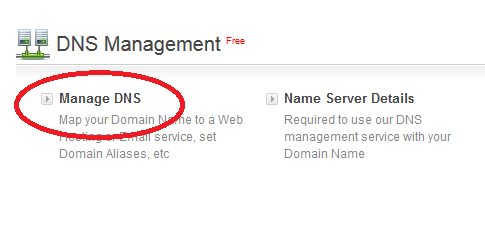
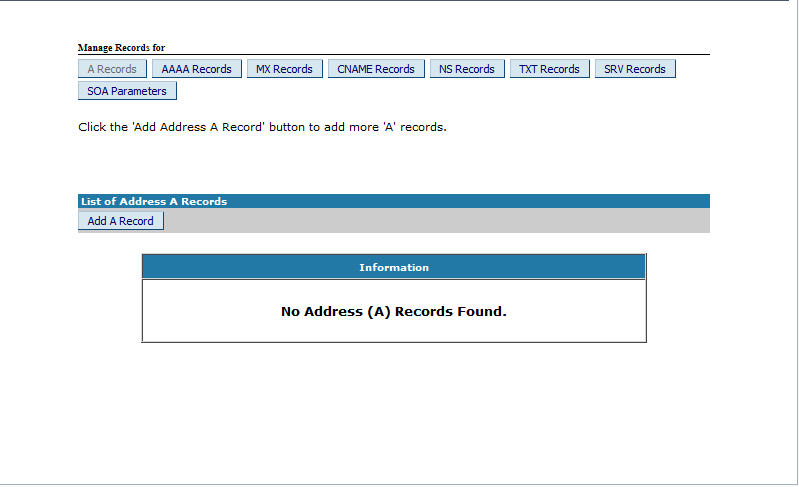
6. DNS Manaement Panel. You can add/modify/delete DNS records through DNS management panel.