To set file / folder permission for Plesk panel hosting account
1. Log in to Plesk
2. Click "Files" to open file manager.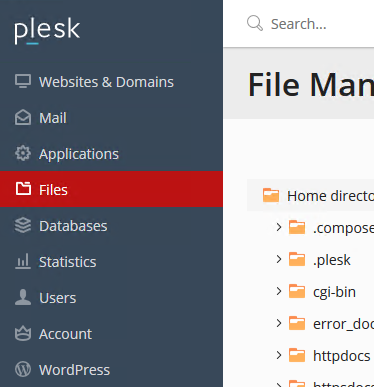
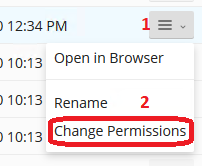
3. Navigate to the folder containing the file / folder for which you need to set permission, you can find an icon at the right end of each file/folder listing as in the below-given image, click on it to access a menu which shows "Change permissions" option.
4. Disable the setting "Allow inheritable permissions" from the parent to propagate to this object and all child objects. Include these with entries explicitly defined here." Click OK.
5. Repeat step 3 to go to set permission. On the permission settings page, select the "Application pool group" (IWPG_xxxxxx).

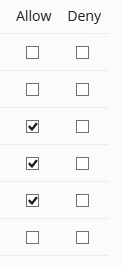
6. Set appropriate permission checkbox. Click OK.