
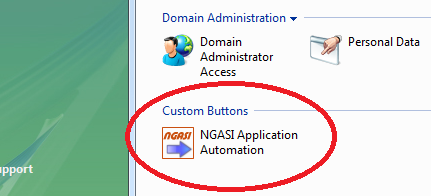
1. Access NGASI Panel from plesk
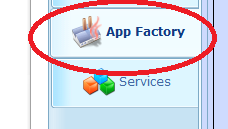
2. Access "Application Factory" section in NGASI AppServer Manager
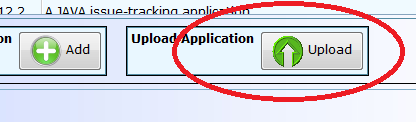
3. Upload java application .war file to "Available applications" section of NGASI AppServer Manager
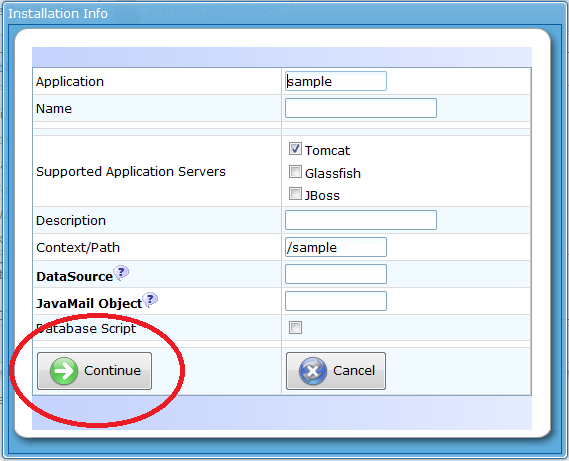
4. When upload finishes, a dialogue box pops up. Click "Continue" Button to finish upload.
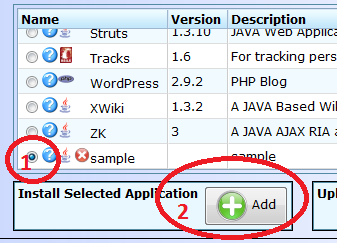
5. Install uploaded .war file from list of available applications. Usually uploaded .war file will get listed at bottom of list of applications. Seilect the uploaded application from the list and click "Add" button. To remove and uploaded .war file from list, click the red colour x button next to the uploaded application.
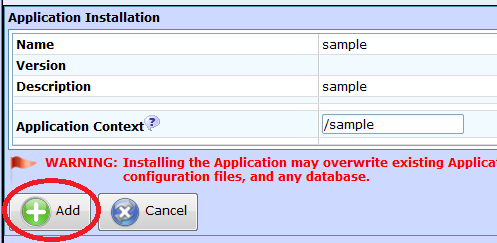
6. Click "Add" button again in "Application Installation" section
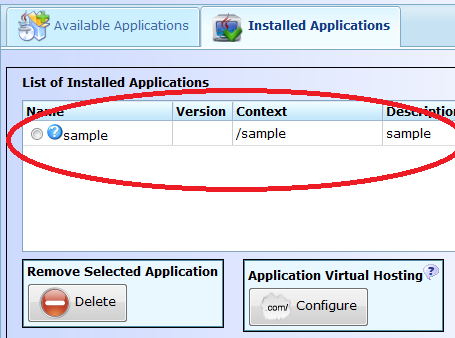
7. When installation is finished, application will be listed in "Installed Applications" section.
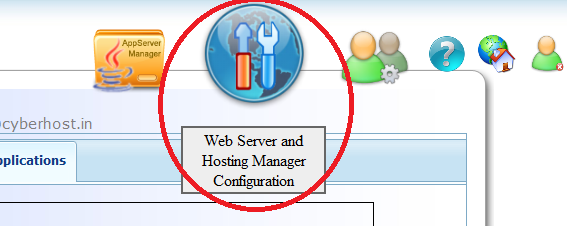
8. To access the installed application, you need to configure context access path in webserver. Access "Web Server and Hosting Manager Configuration" icon on top right corner list of icons.
9. Configure access path as shown in below given image. /* at the end of context name is important. When you try to access application using URL, it should end with /
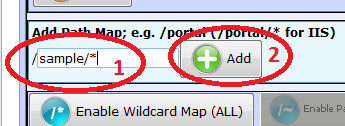
10. After adding context, it will be listed as below given image shows. You can access the application using the URL listed.

11. To go back to application manager section, click icon "AppServer Manager" on top row of icons.

12. If you would like to start, stop or resart application server, do it through NGASI Start/Stop tab

